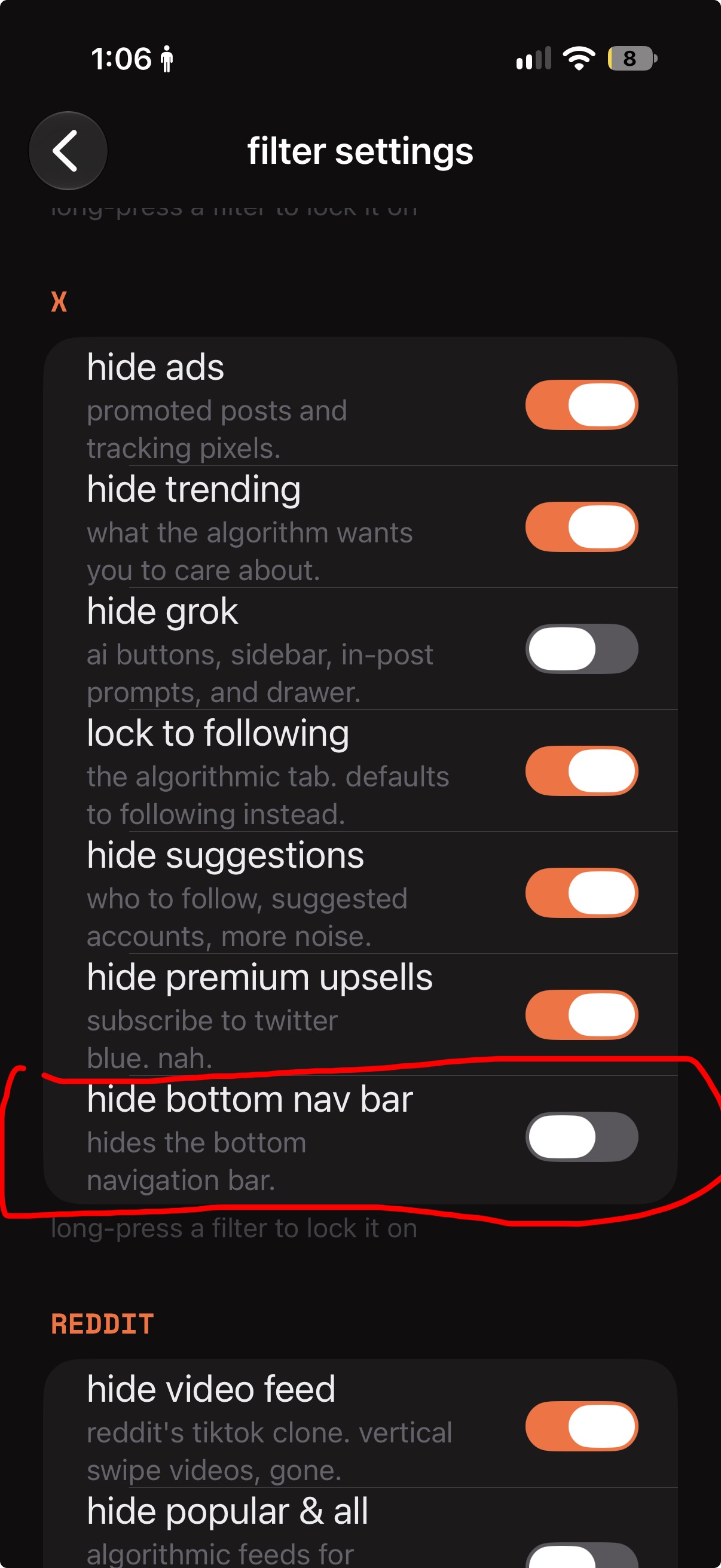
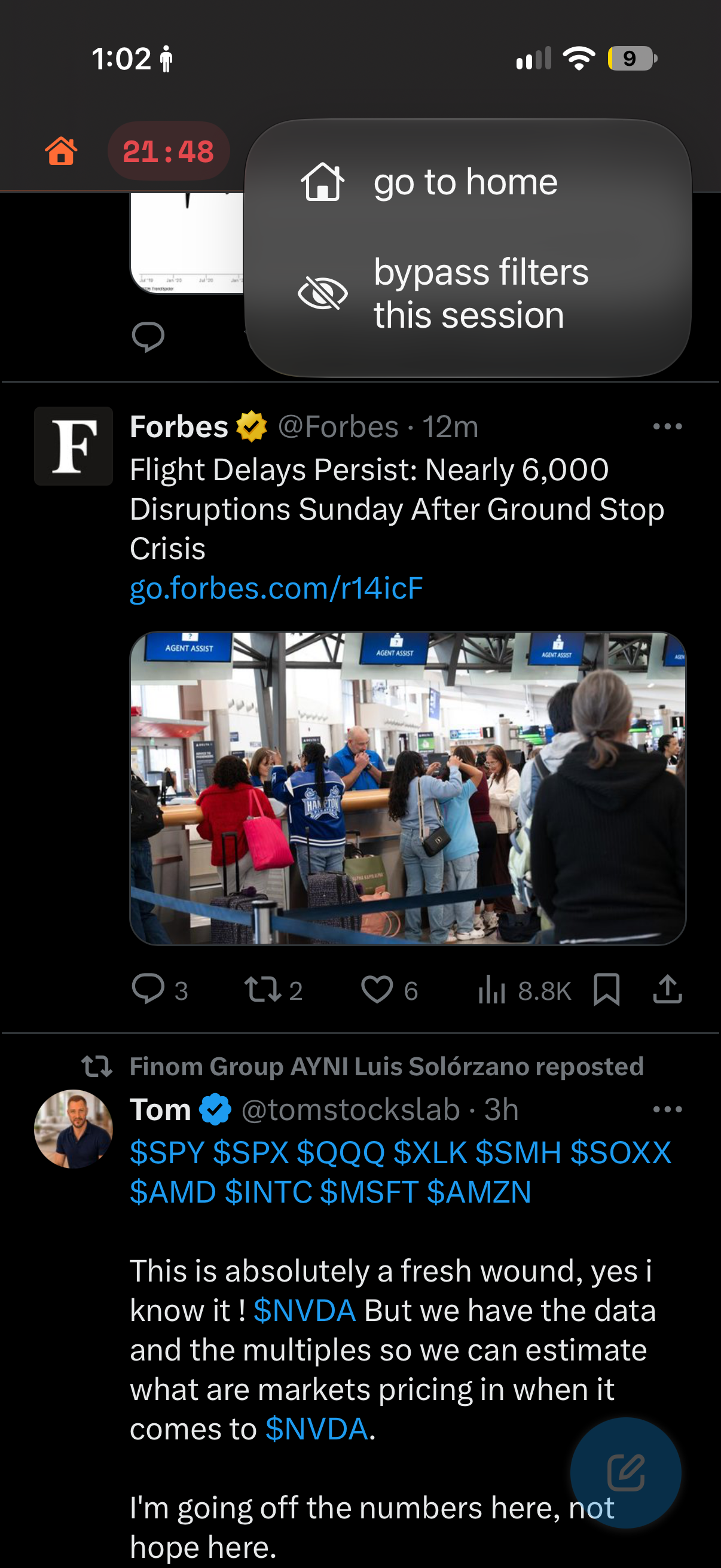
On the latest iOS and DULL app version, turning off the "hide bottom nav bar" toggle under X filter settings does not restore the bottom navigation bar. Because the bar stays hidden, I cannot access Search, Grok, or any other bottom-bar tabs. Toggling the switch on and off and restarting the app does not fix it. Right now, the only way to get the bottom navigation bar back is to tap "bypass filters this session," which disables all of my other active filters and defeats the purpose of the app.